The zombie trend, also known as the AI zombie trend, turns two photos into a tense standoff and an emotional memory. See how the story unfolds, then make your own video.
Make a zombie video from two photos. Choose Couple or Pet to get started.
Couple or Pet
Upload two photos to continue
Two photos. No prompt. No editing.Couple or Pet · 16:9 or 9:16
A generated Couple example. Play to see the story unfold.
What Is the Zombie Trend?
The zombie trend turns two reference photos into a short AI video story. Each photo supplies a character: one becomes a zombie, while the other faces the person they recognize beneath the transformation. The tension comes from that relationship, as much as from the threat. The survivor is sad, hesitant, and reluctant to let go.
In this generator’s story design, the sequence moves from a confrontation to a choice, a leap, and a warm memory. The ending recalls closeness before the change. It expresses the contrast between fear and affection; it does not mean the zombie has been healed. Couple mode can tell this story with partners, friends, or family members, while Pet mode adapts the roles to a person and an animal.
The AI Zombie Video Generator builds the scene instructions into the workflow. You provide the two photos and settings. Individual shots, expressions, and transitions can vary between generated videos.
Standoff → Choice → Leap → Memory
What Happens in the Zombie Trend Video?
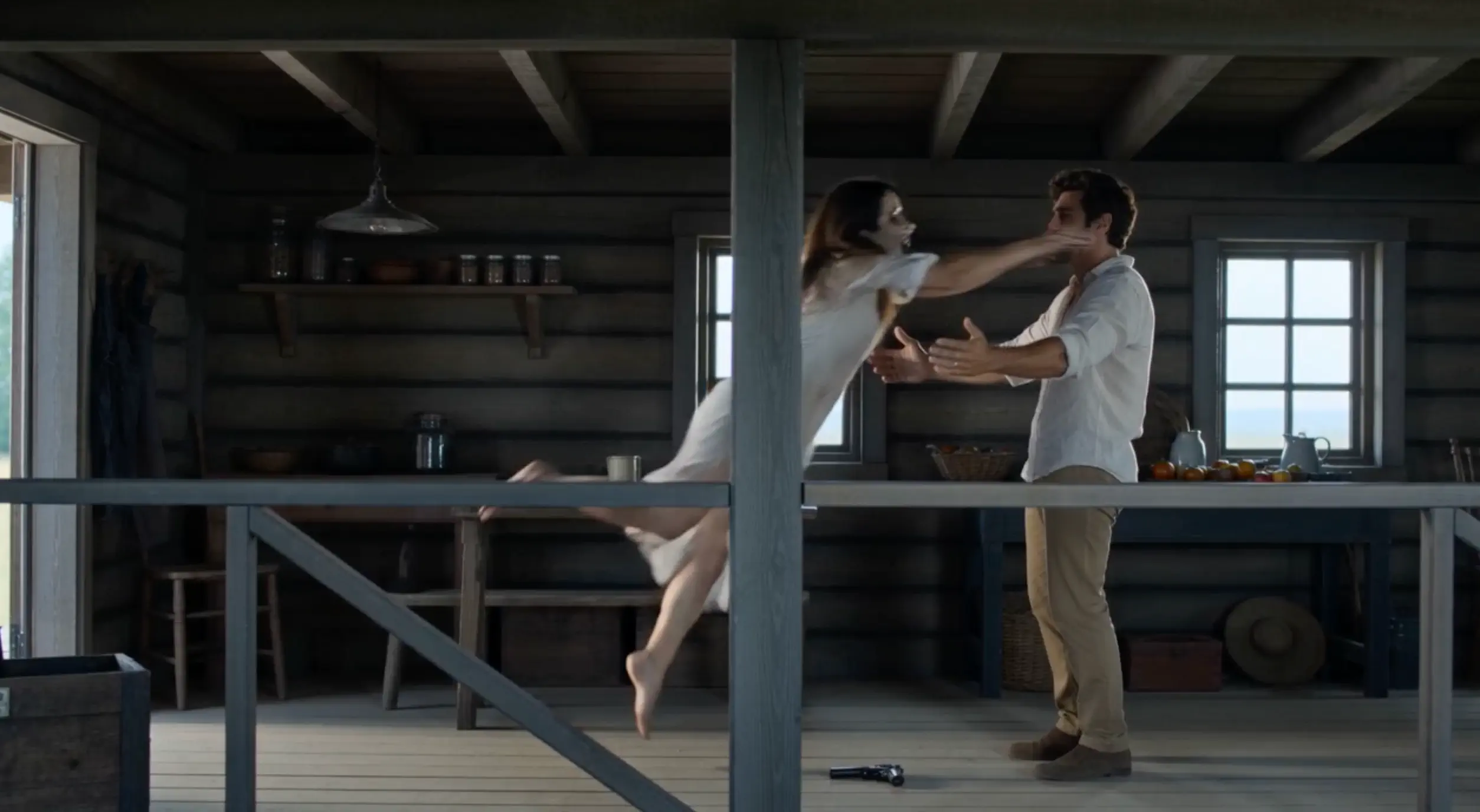
These beats explain the current story design. The frames are from generated Couple examples; individual clips can differ in their framing, timing, and details.
01
The Standoff
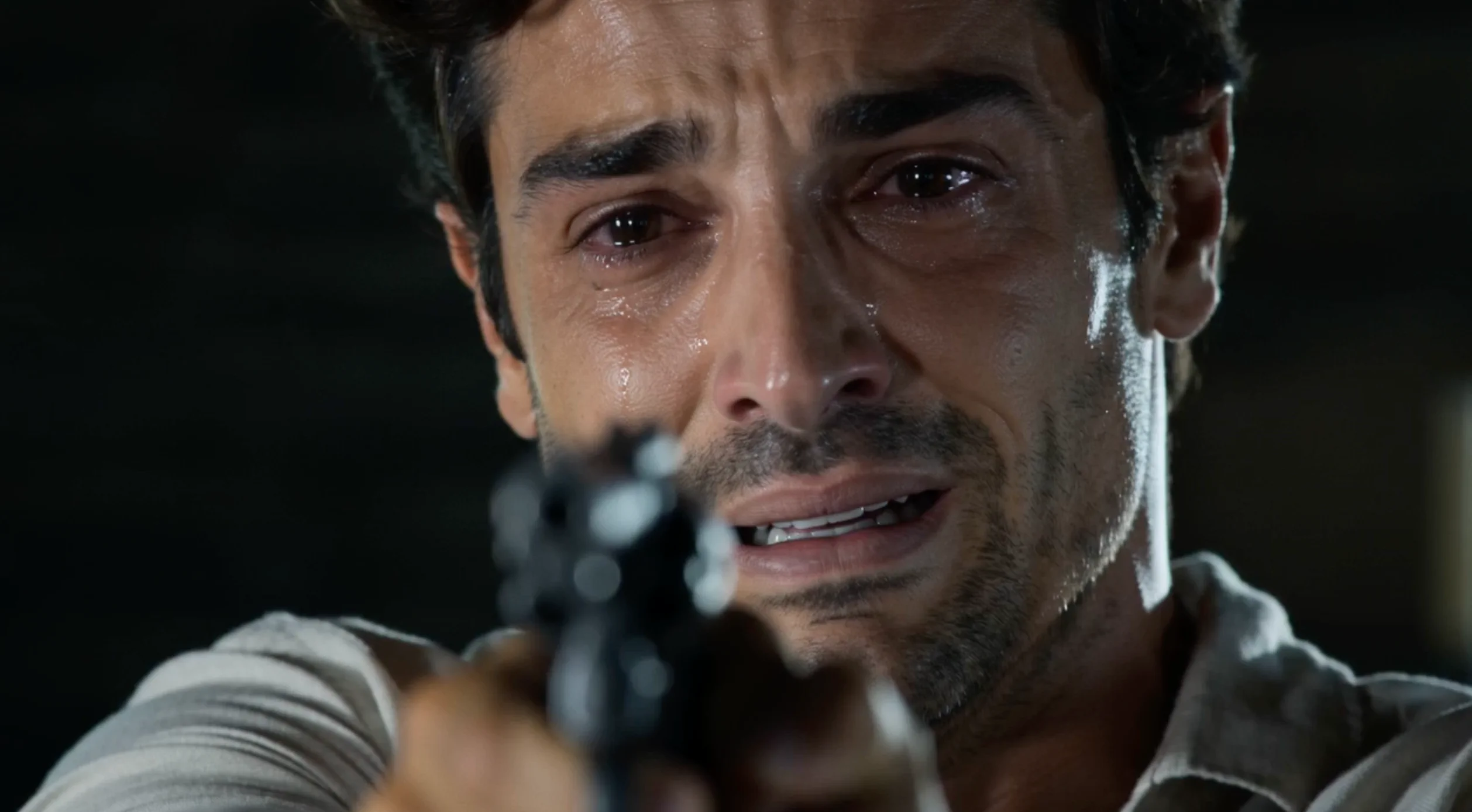
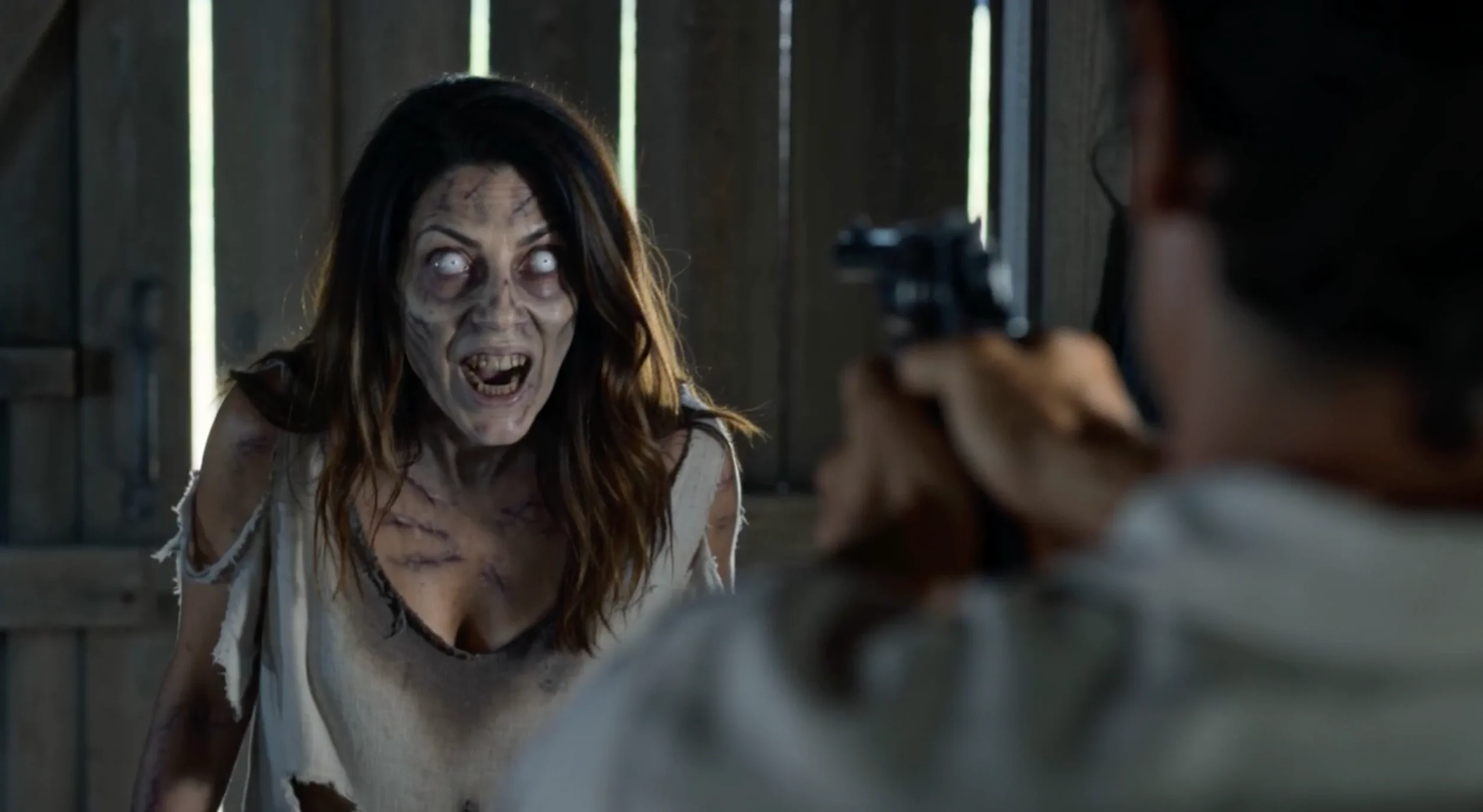
Two people face each other, but one has already become a zombie. The survivor holds a gun while the transformed character approaches. The danger is immediate; recognizing the person beneath the change makes the confrontation personal. This opening establishes both the threat and the relationship at stake.
02
The Choice
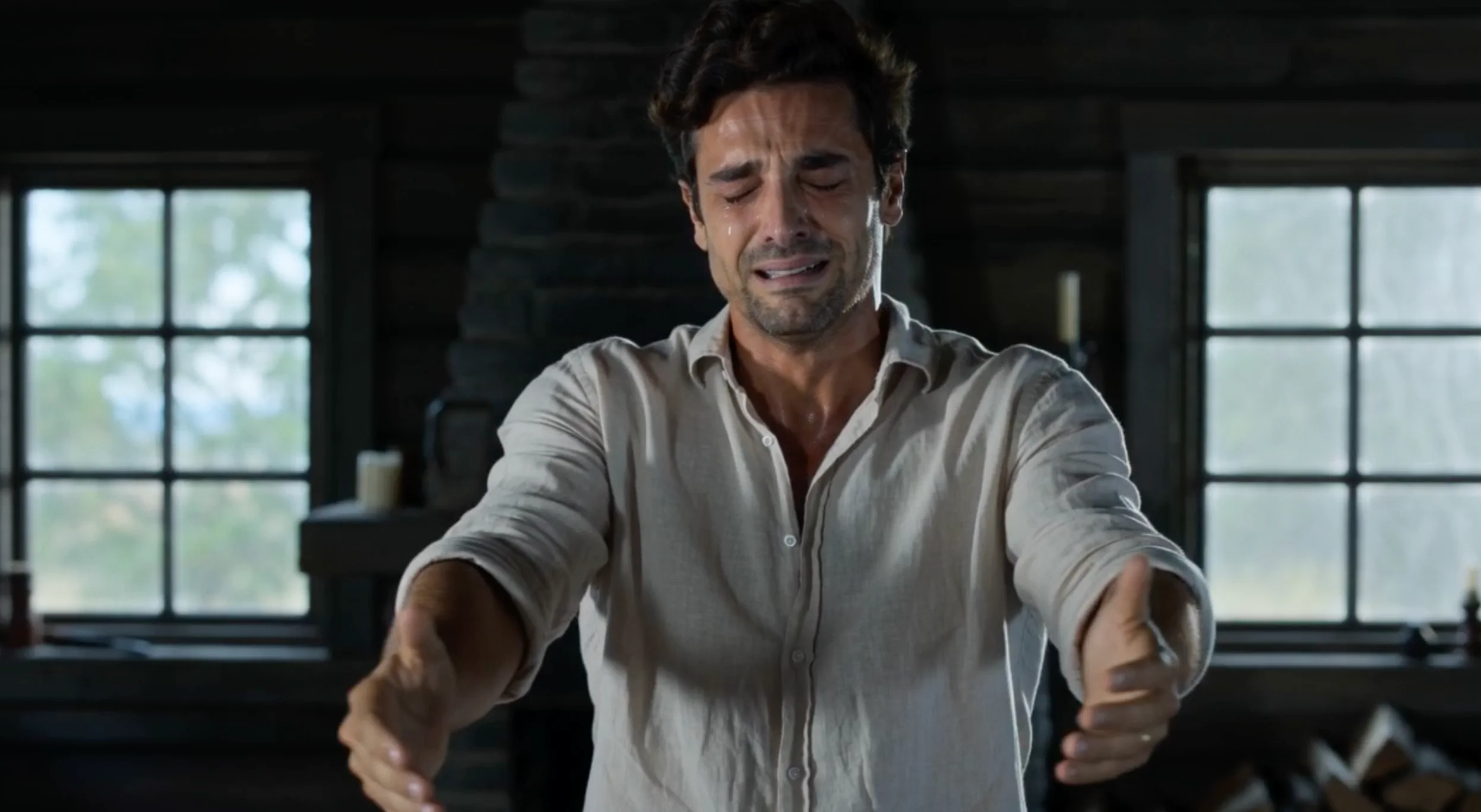
The survivor is crying, grieving, and hesitating. Lowering the gun is a difficult decision, not a happy reunion. Instead of running away, they stay and begin to open their arms. That small change in posture turns a survival scene into a question about attachment and acceptance.
03
The Leap
In this version, the zombie rushes forward and leaps toward the survivor in a side view. Instead of running, the survivor opens their arms, turning the moment into the emotional center of the story.
04
The Memory
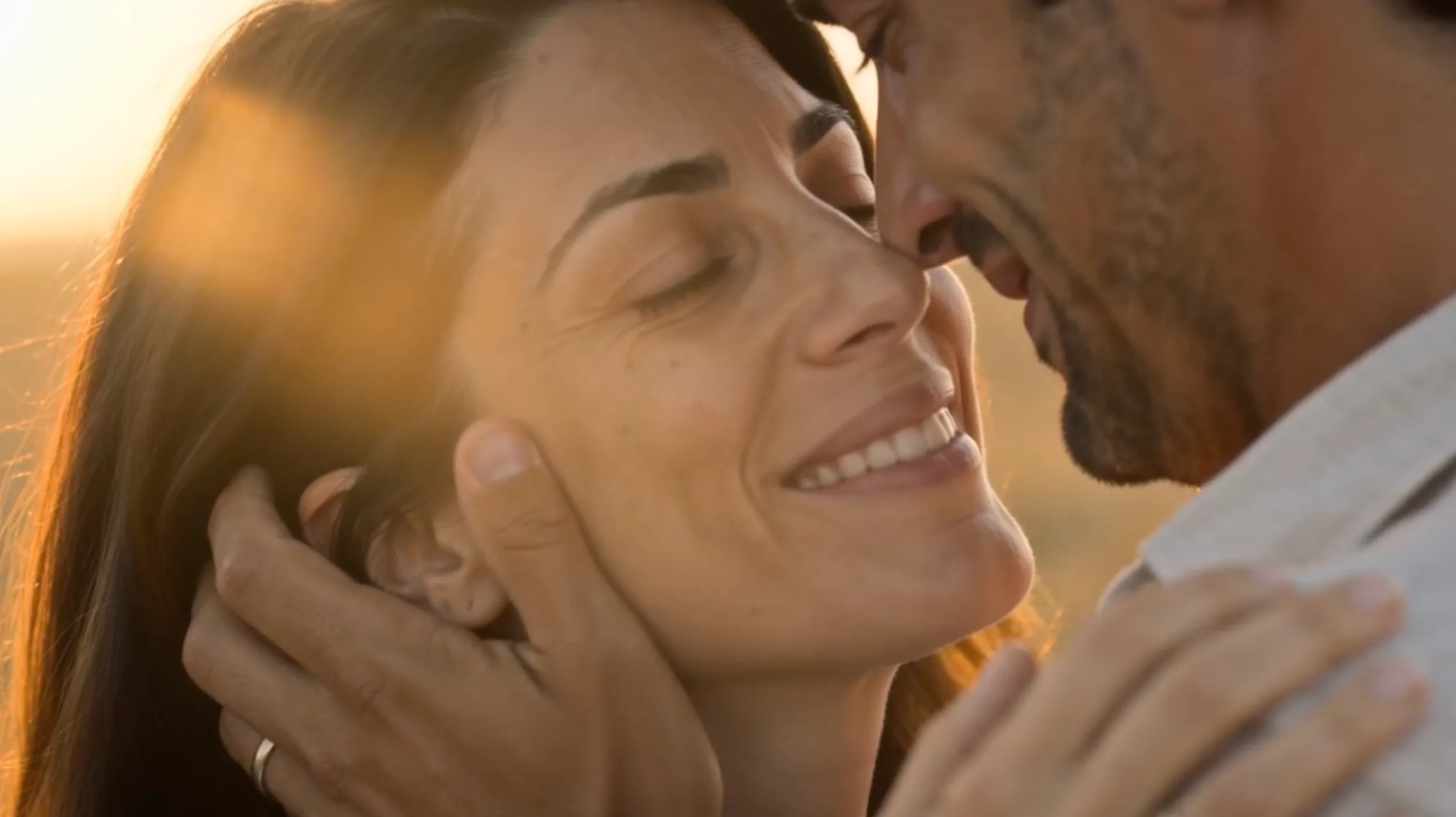
The story shifts into a warm memory of the two characters before the transformation. An embrace and a happy moment contrast with the grief in the cabin. The transition carries the feeling of the leap into an earlier connection; it does not establish that the zombie has been cured.
How to Make the Zombie Trend From Two Photos
1. Upload Two Photos
If you are signed out, sign in before selecting your photos. Then add one clear photo for each role. In Couple mode, Photo 1 is the survivor who holds the gun, and Photo 2 becomes the zombie. The people can be partners, friends, or family members. Photos are held in this page’s memory, so a login redirect may require you to select them again.
2. Choose Roles and Settings
Use Swap Roles in Couple mode to exchange the two photos. Choose 480p or 720p quality, then landscape 16:9 or vertical 9:16. The default is Couple, 720p, and 16:9, including on phones. 480p uses 50 credits; 720p uses 100 credits. The generator shows the selected cost and your available balance. If you need credits, see pricing.
3. Generate and Download
Start generation and follow the progress on the page. When your video is ready, review the result and download it. You can then upload the file to your chosen social platform yourself. The generator creates the clip; publishing it is your next step. Review the finished story before deciding to share it.
Choose a photo where facial features are easy to see. A sharp, recognizable face gives the model a clearer reference for the character.
One person per photo
Use one person for each role so it is clear which face belongs to which character. You do not need to make a joint photo first.
Minimal obstruction
Prefer photos where hair, hands, sunglasses, or other objects do not cover much of the face. Keep the important features visible.
Even lighting
Soft, balanced lighting helps show facial details. Avoid choosing a photo where deep shadows or bright glare hide the subject.
The uploader supports JPG, PNG, and WebP, up to 10 MB per photo. In Pet mode, keep the animal’s face and body clear. These are suggestions for useful references, rather than extra upload rules.
Do You Need a Zombie Trend Prompt?
On aizombie.cc, you do not need to write a prompt. Upload two photos, choose the roles and settings, and generate. The story instructions are already built in, including the confrontation, the emotional choice, and the memory transition. There is no custom prompt input to fill out.
If you make a zombie AI trend video directly in another AI video model, you may need to describe role consistency, the side-view leap, the embrace, and the transition into a memory yourself. Keeping those actions readable across different shots is part of that DIY process. Here, the configured story handles those instructions while you focus on the people or pet in your photos.
Zombie Trend FAQ
Why does the survivor open their arms to the zombie?
In this story version, it is an emotional choice: the survivor remains grief-stricken but opens their arms instead of running, even though the other character has become a zombie. The warm memory reinforces their connection. It is one interpretation of this story, rather than a single official meaning for every trend video.
How do I make the zombie trend?
Sign in, add two photos to the generator, choose your roles, quality, and format, then generate. Follow the progress, review the finished clip, and download it to share yourself.
How many photos do I need?
Two photos: one for each character in Couple mode, or one person and one animal in Pet mode. You do not need to prepare a combined photo or upload a video.
Which person becomes the zombie?
Photo 2 becomes the zombie; Photo 1 is the survivor. In Couple mode, Swap Roles exchanges the photos to reverse those roles. In Pet mode, Photo 1 is the person and Photo 2 is the animal that becomes the zombie. Pet mode does not offer Swap Roles.
Do I need an AI zombie trend prompt?
No prompt is needed on this site, and there is no custom prompt field. The scene instructions are built in. Other AI video models may require you to provide your own story instructions.
Does the zombie trend video include sound?
Audio generation is enabled. The story requests atmosphere and music, but the model-generated sound can vary with each result. There is no song selector, and a particular popular song is not guaranteed.
Ready to Make Your Zombie Trend Video?
Choose your two photos, decide who becomes the zombie, and bring the story to life. The scene instructions are already built in.