TWO PHOTOS. AN ENTIRELY NEW STORY.AI Zombie
AI Zombie
Video Generator
Upload two photos and turn them into a cinematic zombie story —
with sound, suspense, and a final memory scene.
No prompts. No editing.
2 photosCouple or PetNo prompt required16:9 / 9:16
TRY THE AI ZOMBIE TREND FROM TWO PHOTOSCOUPLE + PET
YOUR PHOTOS. YOUR STORY.
Create Your AI Zombie Video
Make a zombie video from two photos. Choose Couple or Pet to get started.
Couple or Pet
Two photos. No prompt. No editing.Couple or Pet · 16:9 or 9:16
A LITTLE INSPIRATION
AI Zombie Video Examples
Explore the AI zombie trend with two people or with your pet.
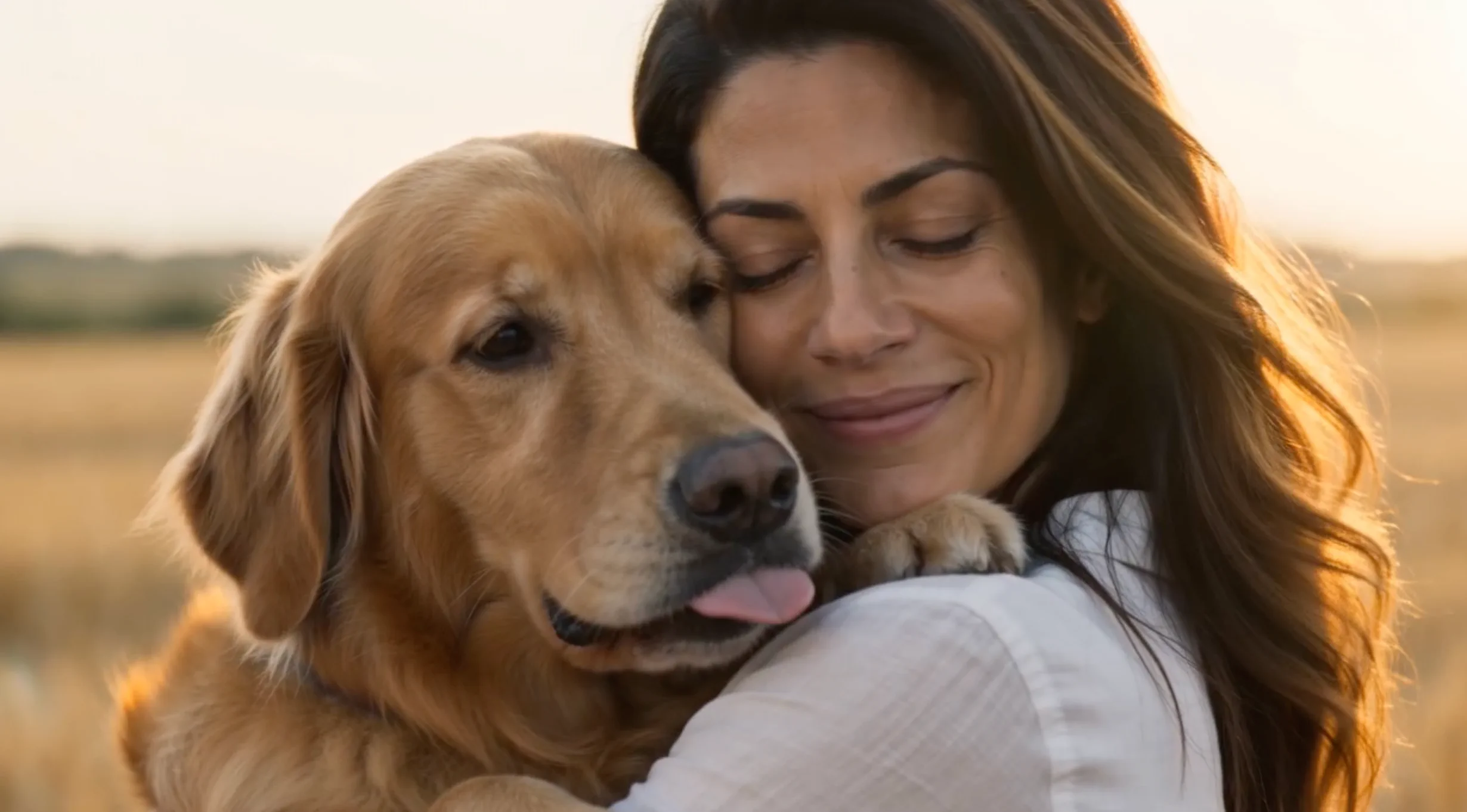
Your dog takes the zombie role.
Pet · 16:9MORE THAN A TRANSFORMATION
Inside Your Zombie Video
Each AI zombie video follows the familiar sequence of the viral trend: a standoff, a transformation, a choice, and a memory. A complete video, beyond a face filter.
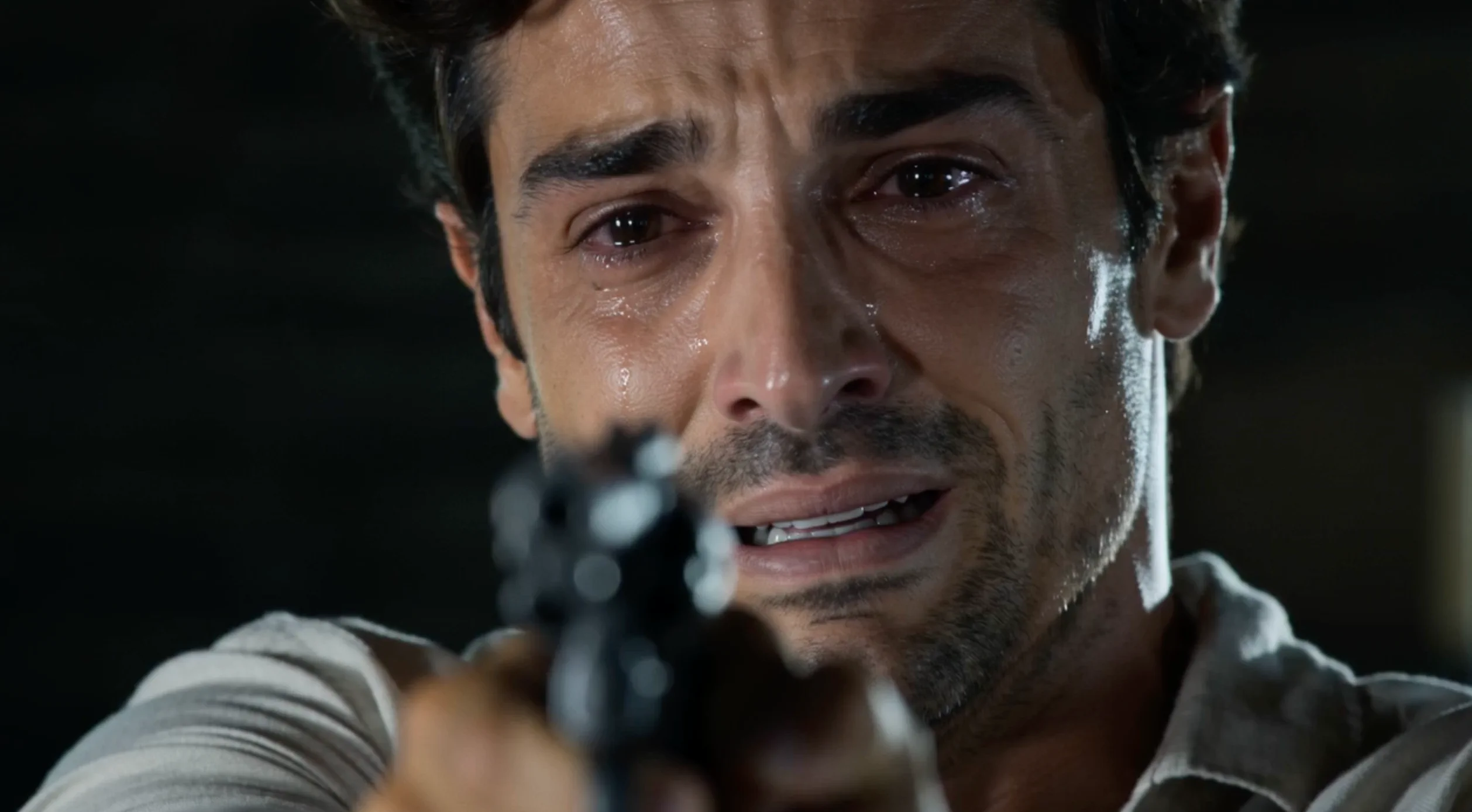 01
The Last Stand
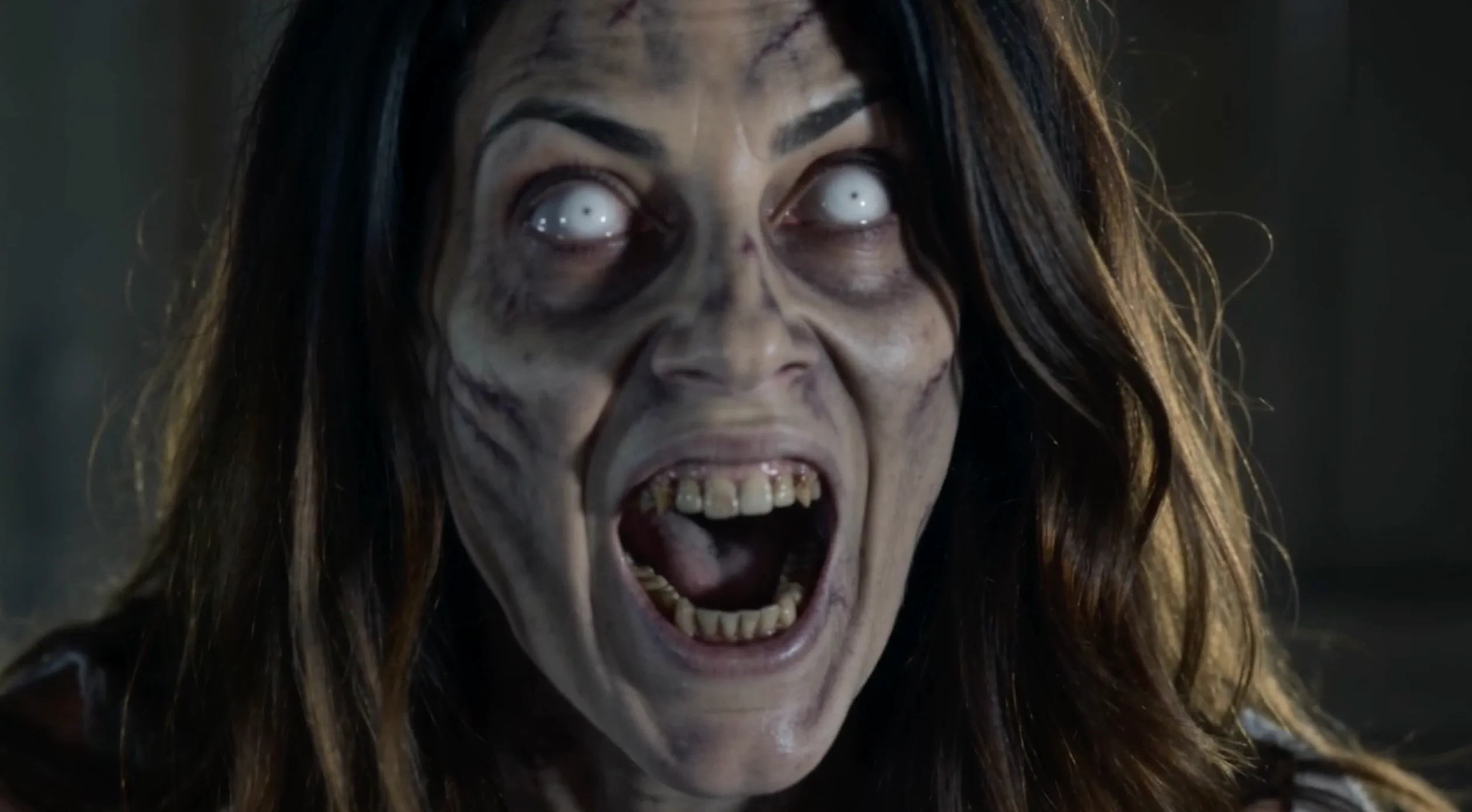
Face the person or pet that has become a zombie.
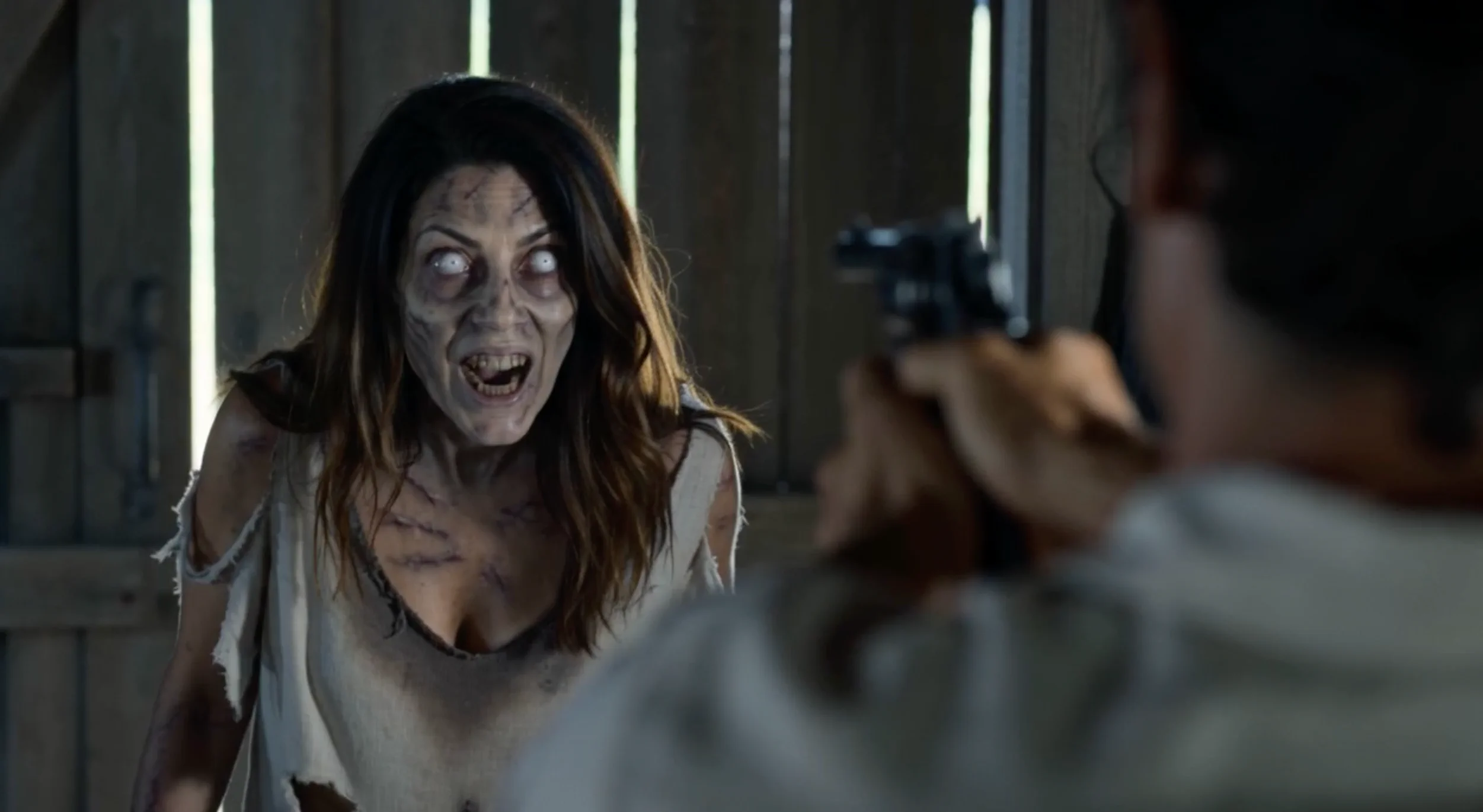 02
The Transformation
A close-up reveals the transformation.
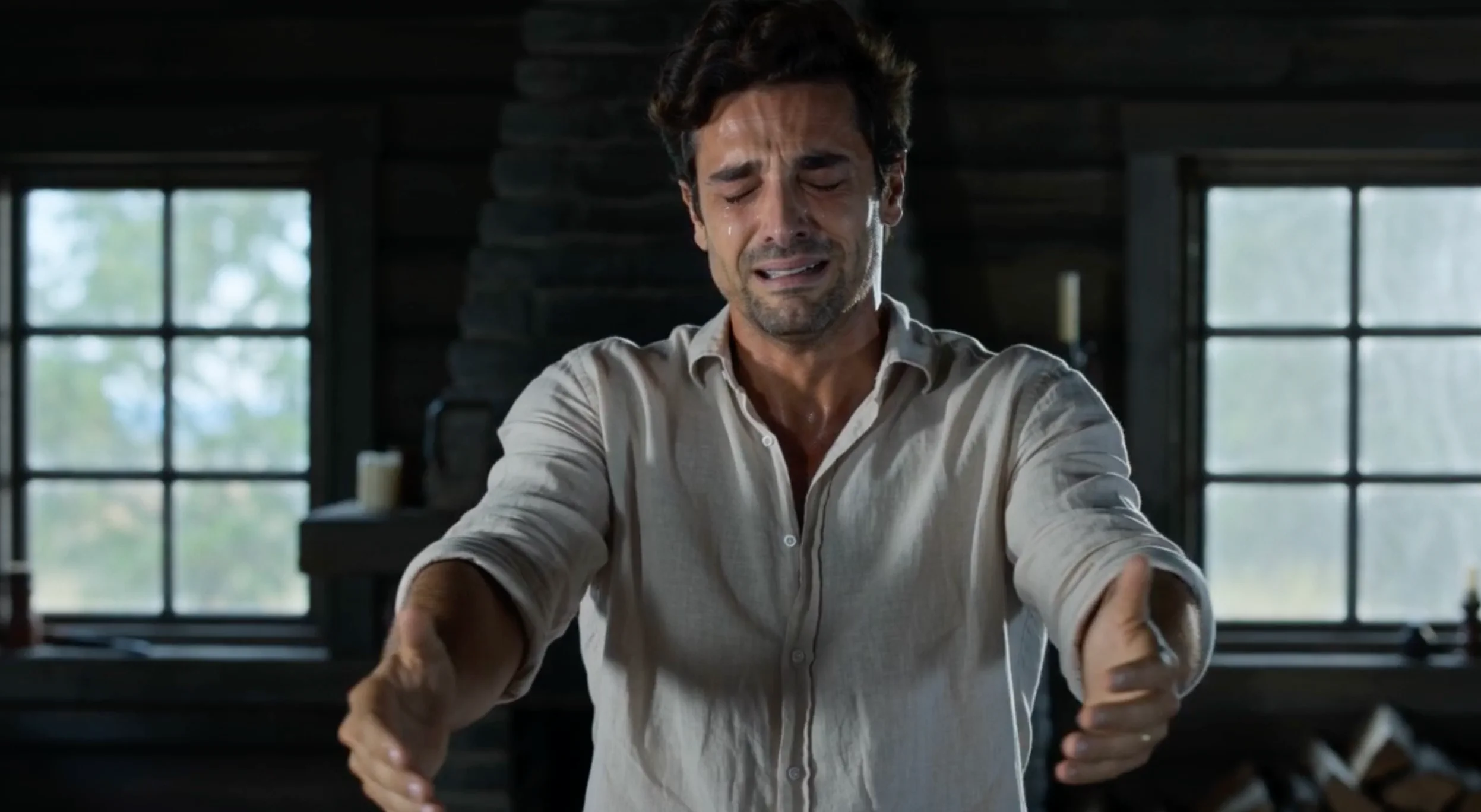 03
The Choice
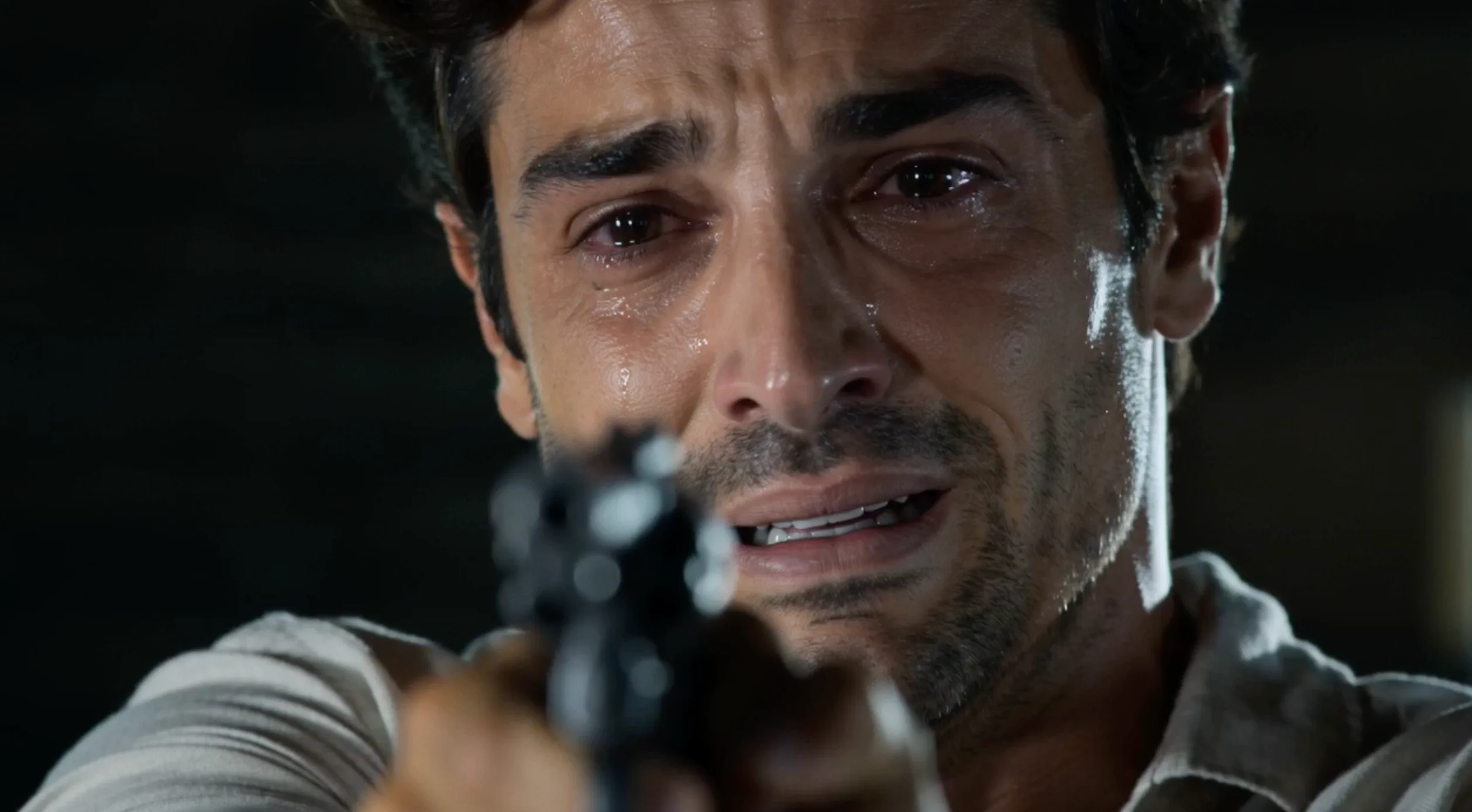
The gun lowers. The attack never comes.
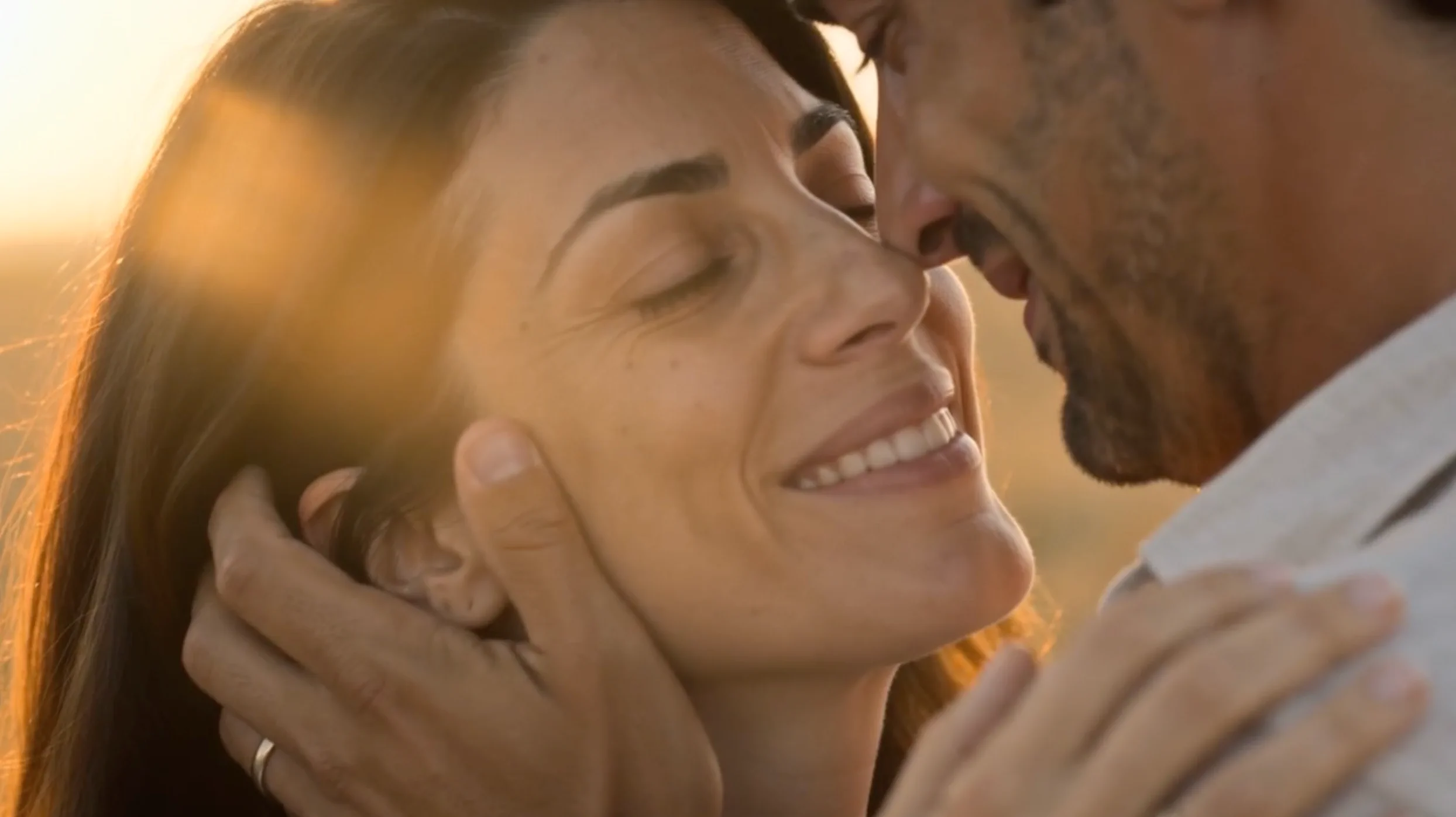 04
The Memory
Return to a calm moment before the change.
FROM PHOTO TO PLOT TWIST
How to Make an AI Zombie Video
No prompt. No editing.
Upload two photos
Add the person who holds the gun and the person or pet who turns into a zombie.
Choose your video settings
Pick your video quality and choose 16:9 or 9:16.
Generate and download
Create your AI zombie trend video and download the finished clip.
MORE STORIES, ON YOUR TERMS
One-time credits. No subscription.
Choose a credit pack for your zombie videos.
Standard (480p) 50 creditsHD (720p) 100 credits
Starter
A simple way to try your first zombie videos.
$9.90one-time
150 credits
- Up to 3 Standard videos or 1 HD video
- One-time purchase
- Failed generations are automatically refunded in Credits.
Creator
Great for couples, pets, and a few extra takes.
$24.90one-time
450 credits
- Up to 9 Standard videos or 4 HD videos
- One-time purchase
- Failed generations are automatically refunded in Credits.
Studio
More room to create, retry, and experiment.
$59.90one-time
1,200 credits
- Up to 24 Standard videos or 12 HD videos
- One-time purchase
- Failed generations are automatically refunded in Credits.
GOOD QUESTIONS
AI Zombie Video FAQ
Photos, roles, and prompts for your zombie video.
What is the AI zombie trend?+
The AI zombie trend is a short-video format shared on TikTok, Reels, and Shorts. One person or pet becomes a zombie, another faces them, and the scene shifts to a calm memory or their normal appearance.
How do I make an AI zombie video from two photos?+
Upload two photos to the AI Zombie Video Generator, choose Couple or Pet, select quality and aspect ratio, then generate and download. No prompt or video editing is required.
What app can I use to make the AI zombie trend?+
Use AI Zombie in your browser to choose two photos, set the roles, and follow the zombie video workflow without writing prompts or editing separate clips.
Can I make an AI zombie video with my pet?+
Yes—Pet mode is designed for your dog or cat to take the zombie role. Add a clear, well-lit pet photo with the face and body visible, plus a photo of yourself.
Do I need an AI zombie prompt?+
No prompt is needed in this generator. The video follows a predefined sequence. You only choose the photos, mode, quality, and format.
Which photo becomes the zombie?+
Photo 2 becomes the zombie. In Couple mode, Photo 1 holds the gun and Photo 2 is your partner, friend, or family member. In Pet mode, Photo 1 is you and Photo 2 is your pet. After a Couple video, use Swap Roles to reverse the two photos.
What photos work best for AI zombie videos?+
Choose front-facing photos with the whole head visible, one subject per image, and good even lighting. Avoid sunglasses, masks, heavy filters, and blur. For pets, keep the face and body clearly visible.
Can I use the AI zombie generator for friends or family?+
Yes. Couple mode works for a partner, friend, or family member. Add one person per photo: Photo 1 holds the gun and Photo 2 takes the zombie role.
Can I swap who becomes the zombie?+
Yes. After a Couple video, select Swap Roles to exchange Photo 1 and Photo 2. Your photos and settings stay selected, and you can generate again when ready. Swap Roles is only available in Couple mode.
Ready to Create Your Zombie Video?
Two photos are all it takes to start.
Create My Video